
626 B
626 B
Duplicate tracks
Duplicating a track copies its binding, clips, blends, and Inspector properties.
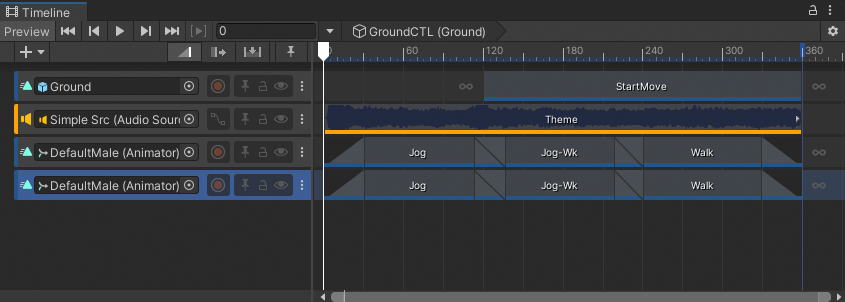
Result of duplicating the last track bound to DefaultMale
There are many ways to duplicate tracks:
- Select a track. Right-click an empty area in the Track list and choose Duplicate from the context menu.
- Select a track. Hold Control (MacOS: Command) and press D.
- Select a track. Hold Control (MacOS: Command) and press C, for copy, then press V, for paste.
- Right-click a track and either select Duplicate from the context menu or hold Control (MacOS: Command) and press D.